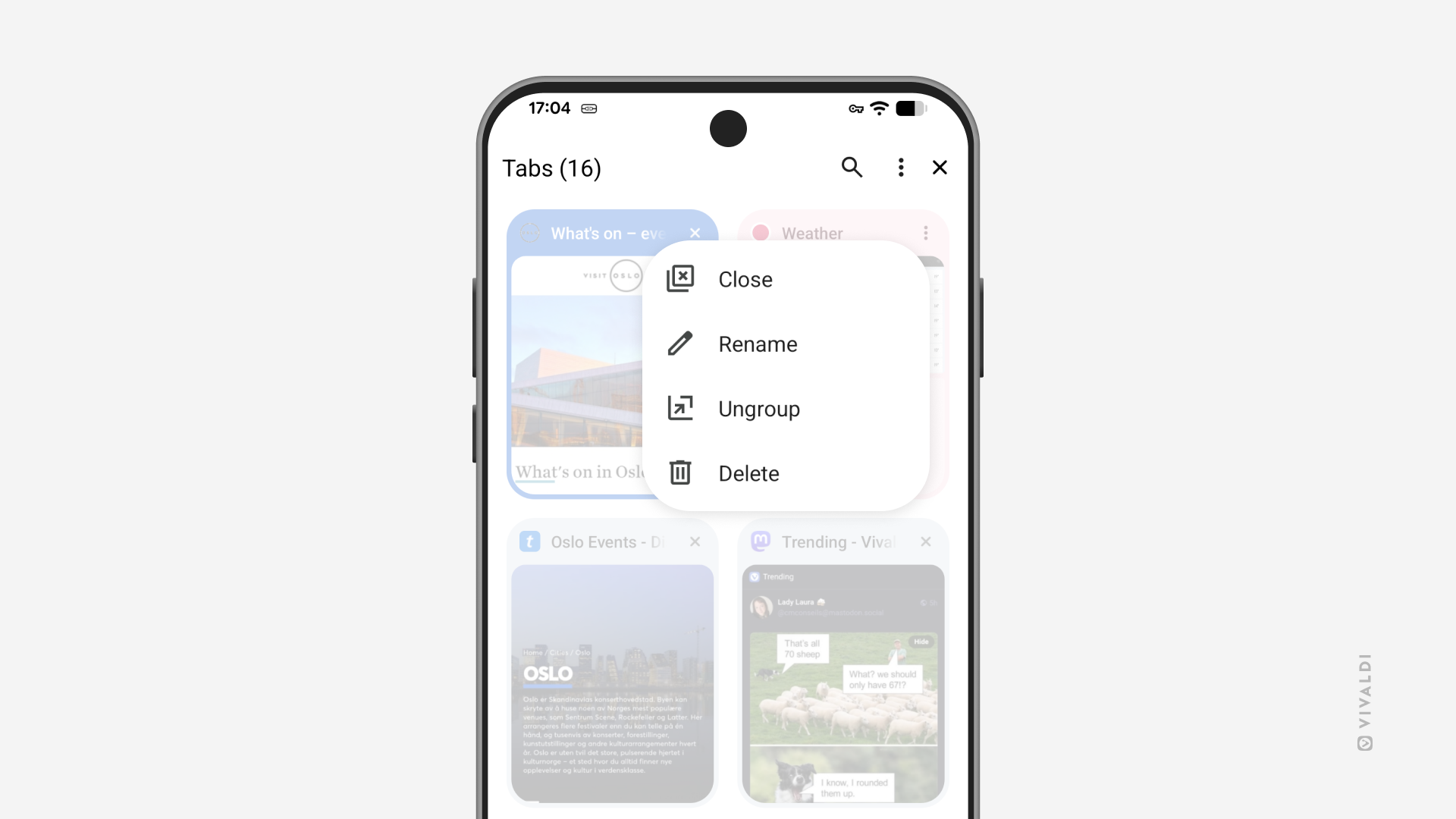
Make the right choice between closing and deleting Tab Stacks on mobile.
Tab Stacks in Vivaldi on Android and iOS can be both closed and deleted. Though it sounds like they should do the same thing, there is an important differences between them.
Closing a stack will remove the group of tabs from the Tab Bar and the open tabs view in the Tab Switcher, but it will keep the stack available in the Tab Stacks view in the Tab Switcher. That way you can declutter your actively used tabs view, but easily access the stack again whenever you need it.
Deleting a stack, expectedly, will actually delete the stack and close all tabs in it. But if you deleted the stack when you meant to close it, you can still recover the tabs for a while from the Closed Tabs view in the Tab Switcher or from History.