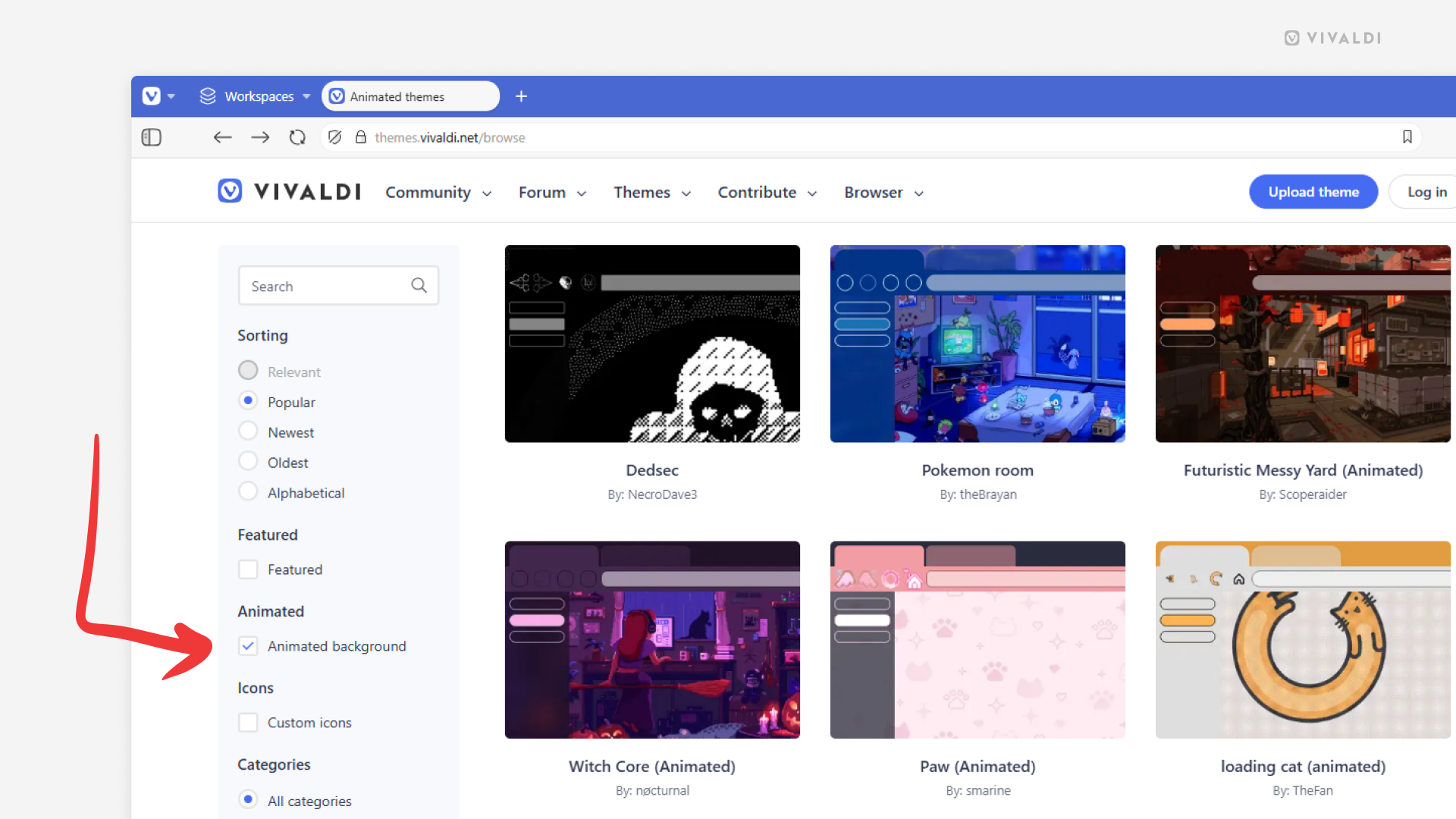
Browse and download themes with animated backgrounds from Vivaldi Themes.
If you want to bring some life onto your Start Page, you can do it with an animated background. You can add your own file to a custom theme in Vivaldi’s Settings > Themes > Editor > Background > Select Image, or download a complete theme with a matching animated background from Vivaldi Themes.
To find and install animated themes:
- Go to https://themes.vivaldi.net.
- Go into one of the categories (Featured, Popular, Latest, etc.).
- In the menu on the left, tick the box for “Animated background”.
- Click on a theme you like.
- On the theme’s profile, click “Download” to preview the theme.
- If you want to use the theme, click “Install” in the dialog window. If not, click “Cancel” and keep browsing.
Since large animated backgrounds can affect the browser’s performance, choosing lighter, smaller files is usually a better option.