Navigate and select text on web pages just like in text editors using Caret Browsing.
Caret browsing allows you to navigate through web pages with the arrow keys on keyboard similarly to Spatial Navigation. The difference is that your place on the page is shown by a visible text cursor (caret) similarly to how it’s done in text editors.
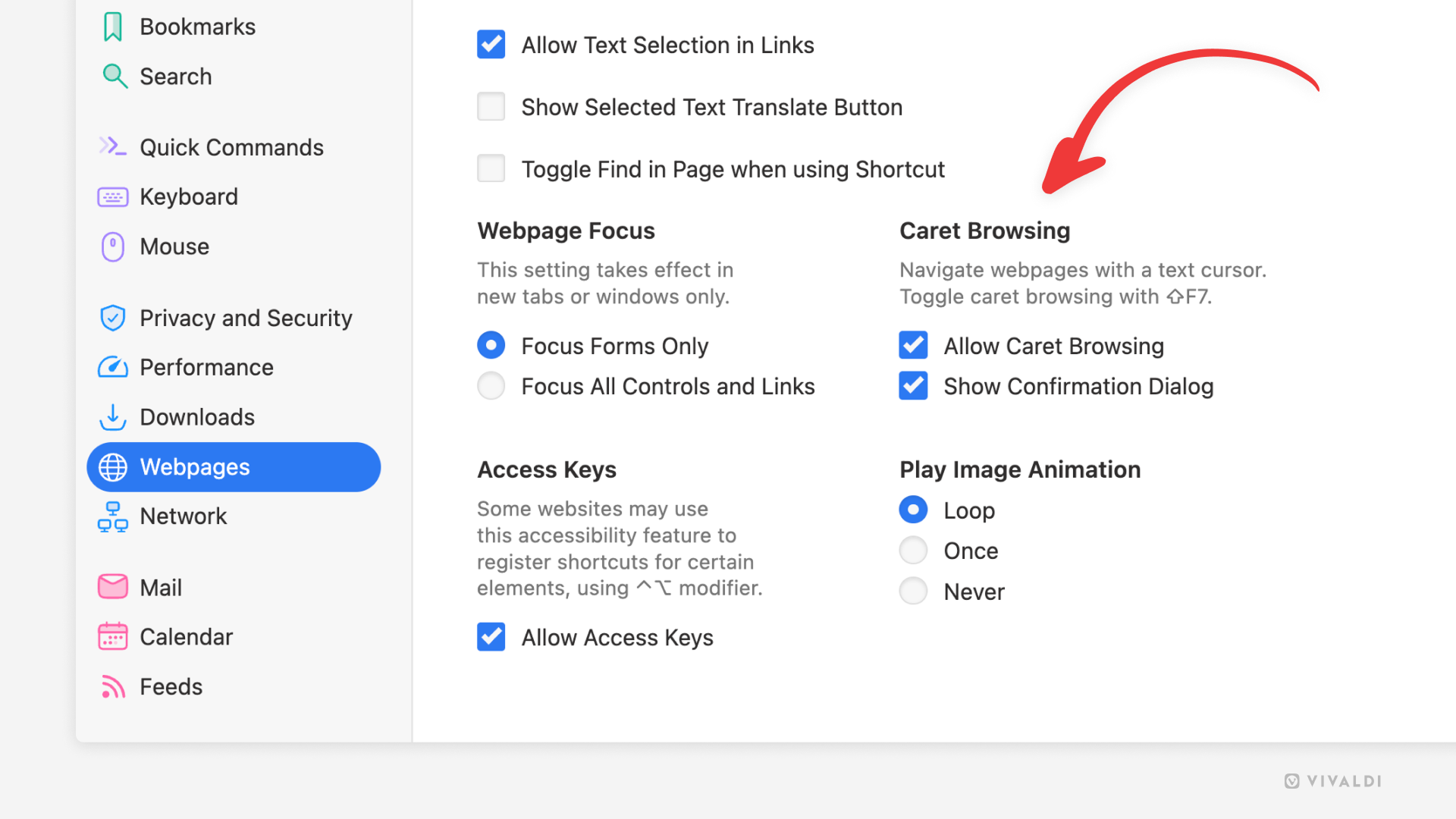
To enable Caret Browsing:
- Go to Settings > Webpages > Caret Browsing.
- Enable “Allow Caret Browsing”.
To quickly toggle the feature on and off, use the Keyboard Shortcut Shift+F7 / ⇧F7.
When enabled, use the arrow keys to move around on the page. Hold down the Shift / ⇧ key and press the arrow keys to select text.