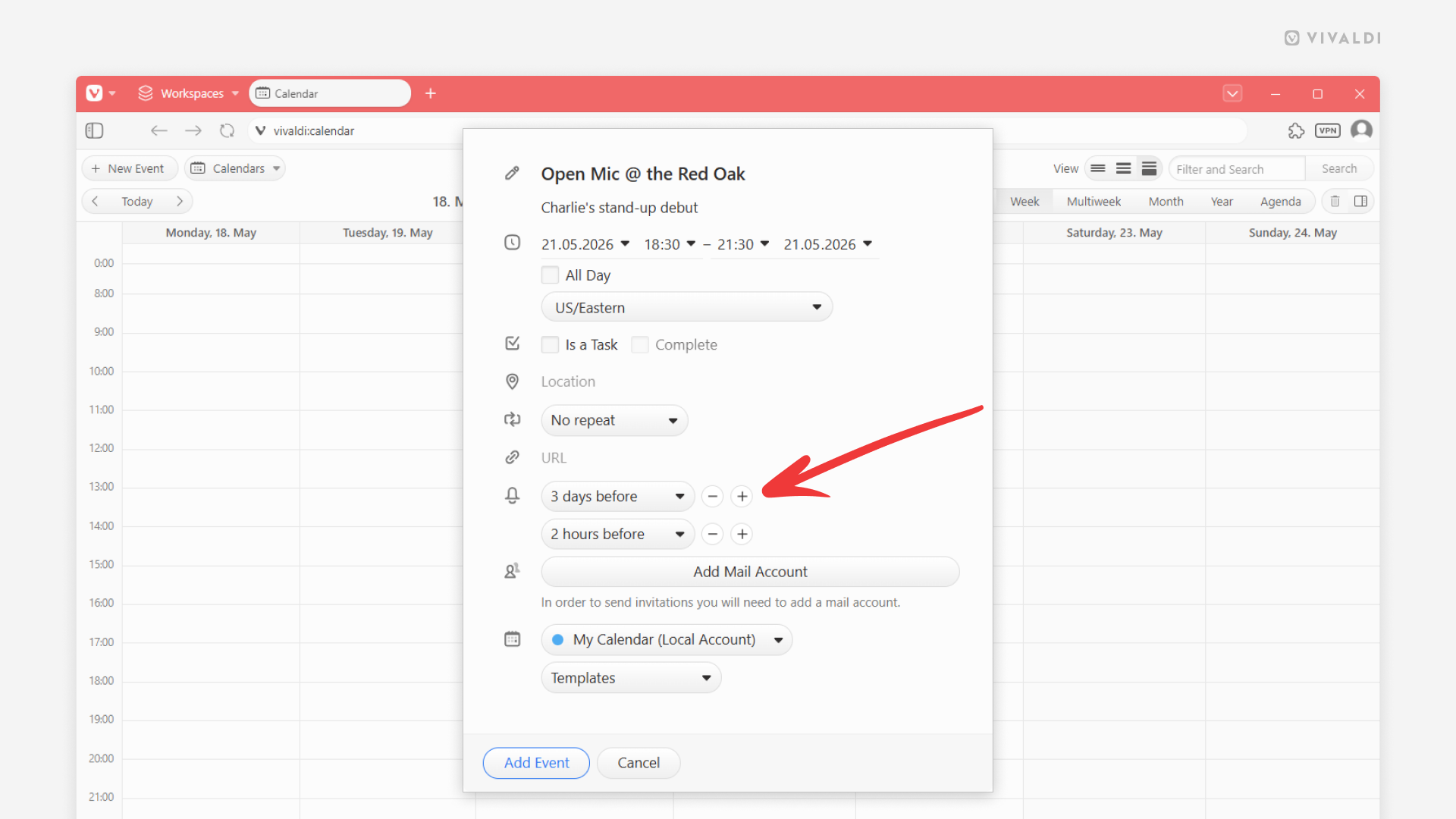
Never miss a commitment by adding multiple reminders in the Vivaldi Calendar.
Got an important event or a deadline coming up that you just can’t miss? Make use of reminders in the Vivaldi Calendar and add as many alarms as you need to ensure that you remember your upcoming responsibilities.
To add reminders:
- Create or edit an event/task.
- In the Reminders section, select the first time you want to be notified.
- Once the first reminder is added, click on the
+“Add another alarm” button next to it. - Pick a time for the additional reminder.