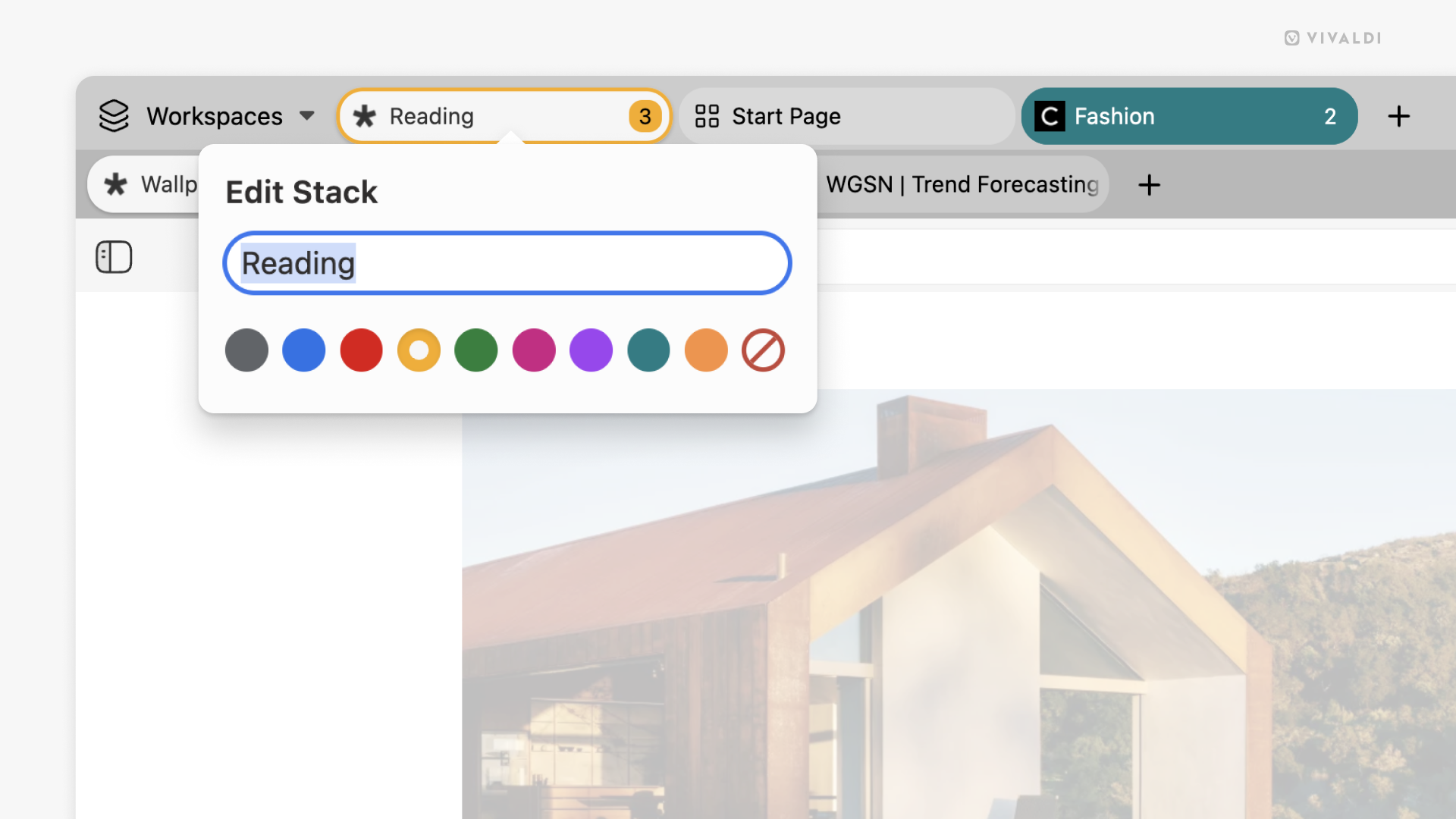
Skip Tab Stack naming prompts by disabling them in Settings.
Giving your Tab Stacks names and adding a pop of color helps to keep things organized and allows you to locate the stacks faster. But not all stacks are created equal. Some live on your Tab Bar permanently and deserve a name, while others pop by for a brief visit. By default, every time you create a new Tab Stack, an editor will open, prompting you to give the stack a name and a color. If you don’t want to name every single stack you create, you can disable the prompt.
To disable the stack editor:
- Go to Settings > Tabs > Tab Features > Tab Stack Options.
- Disable “Auto-Open Stack Editor When Creating Stacks”.
When disabled, you can always edit a stack by:
- Right-clicking on the stack on the Tab Bar and selecting “Edit Stack…”.
- Typing “Edit Stack” in Quick Commands.
- Creating a Keyboard Shortcut or a Mouse Gesture for the action.