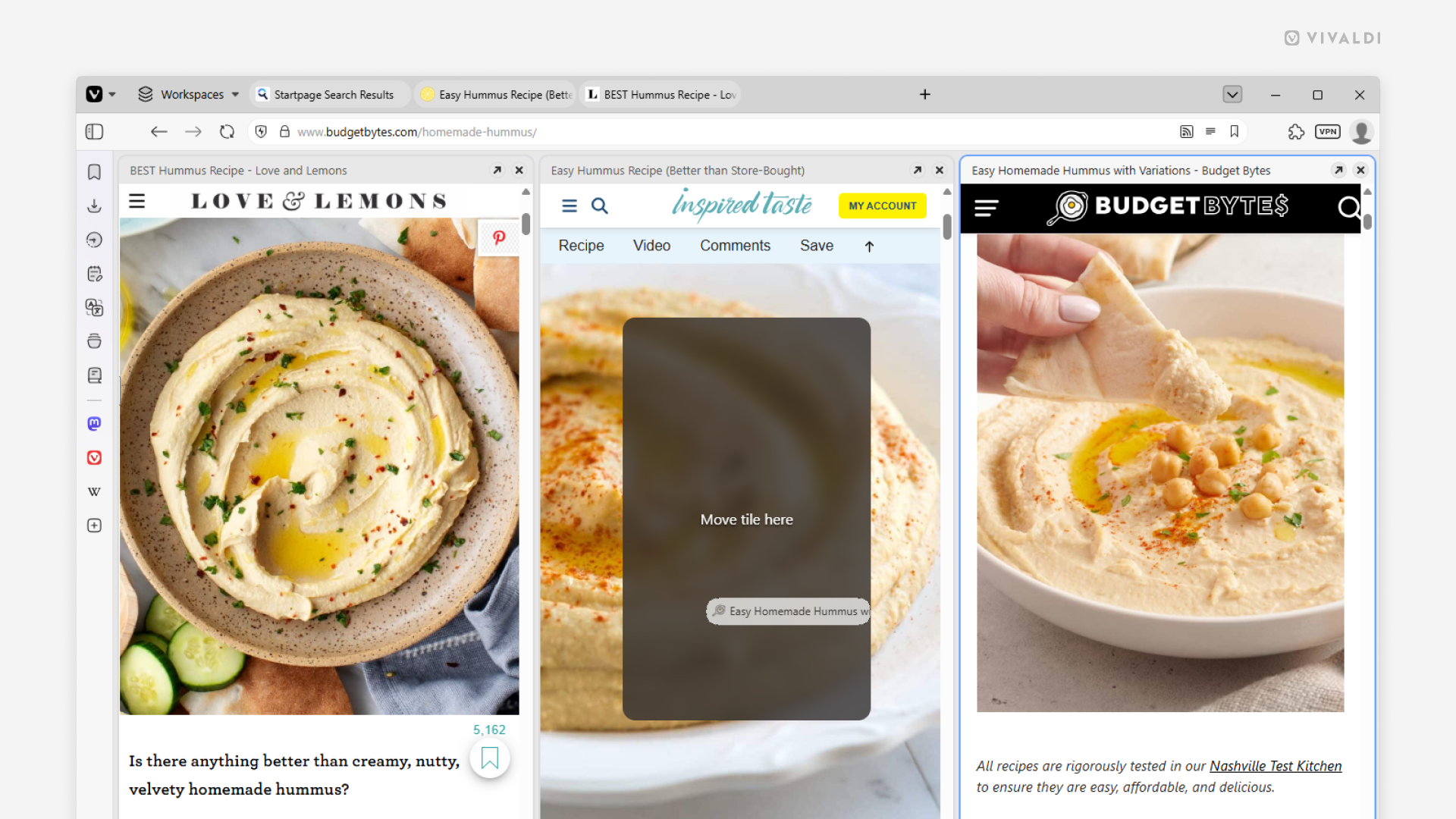
Use drag and drop to reorder Tiled Tabs.
Viewing multiple tabs side by side in the same Vivaldi browser window can significantly boost your productivity. By default, tiles follow the order of the tabs on your Tab Bar, but if that doesn’t work well, you can easily rearrange them.
To reorder Tiled Tabs:
- Click on a tiled tab’s title bar in the tiled view and start dragging.
- Drag it to the middle of another tiled tab.
- When you see “Move tile here”, release the mouse button.