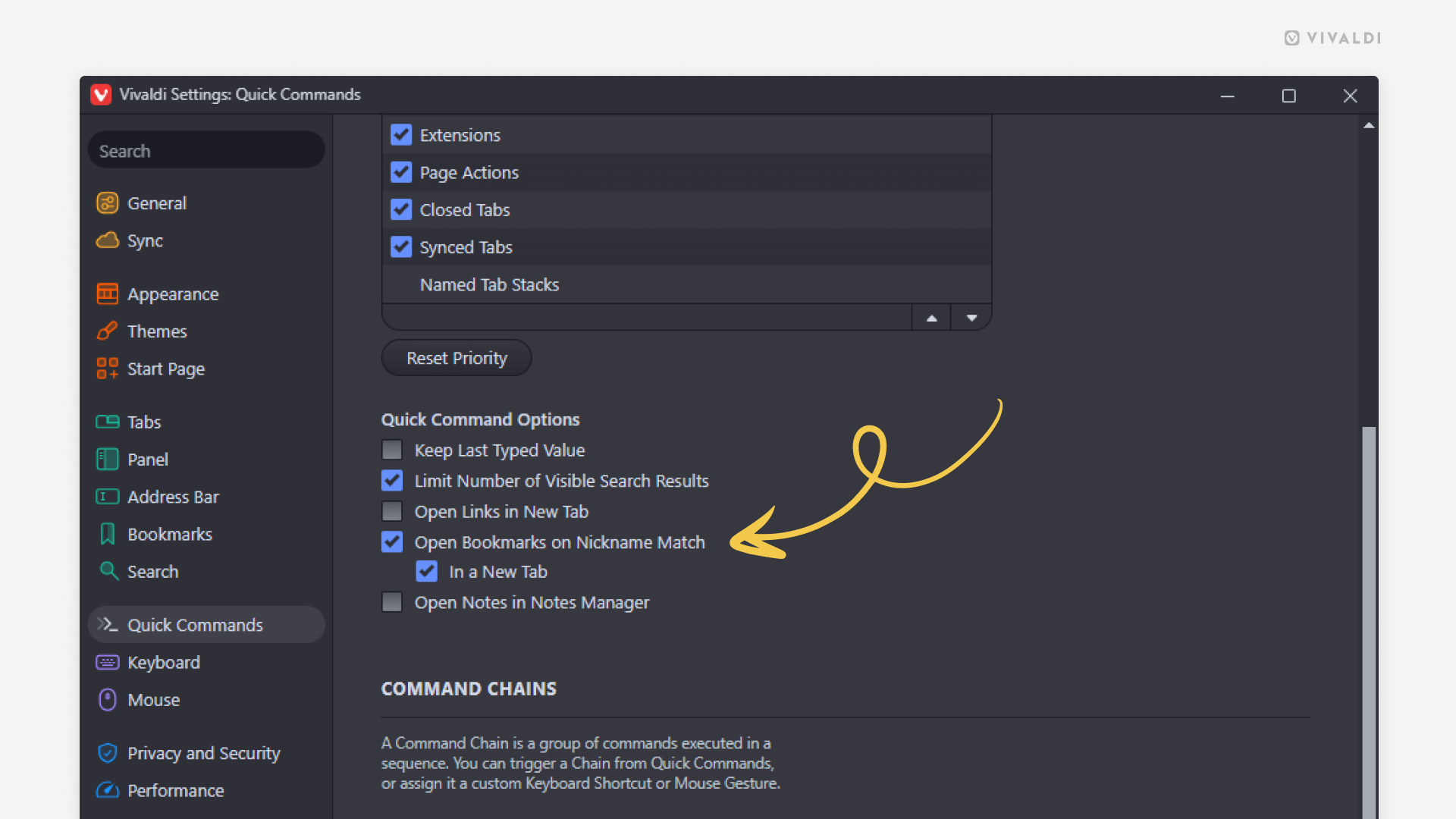
Open bookmarks automatically when the search keyword matches the bookmark nickname.
Bookmark Nicknames allow you to find bookmarks faster in the Bookmark Panel, Bookmark Manager, Address Bar and Quick Commands. To give your bookmark a nickname, edit the bookmark and type a word you associate with the bookmark in the Nickname field.
To enable automatic bookmark opening in Quick Commands:
- Go to Settings > Quick Commands > Quick Command Options.
- Enable “Open Bookmarks on Nickname Match”.
- Additionally, you can enable the option to open bookmarks in a new tab.
To open a bookmark:
- Open Quick Commands (F2 / ⌘ E).
- Type the full nickname.