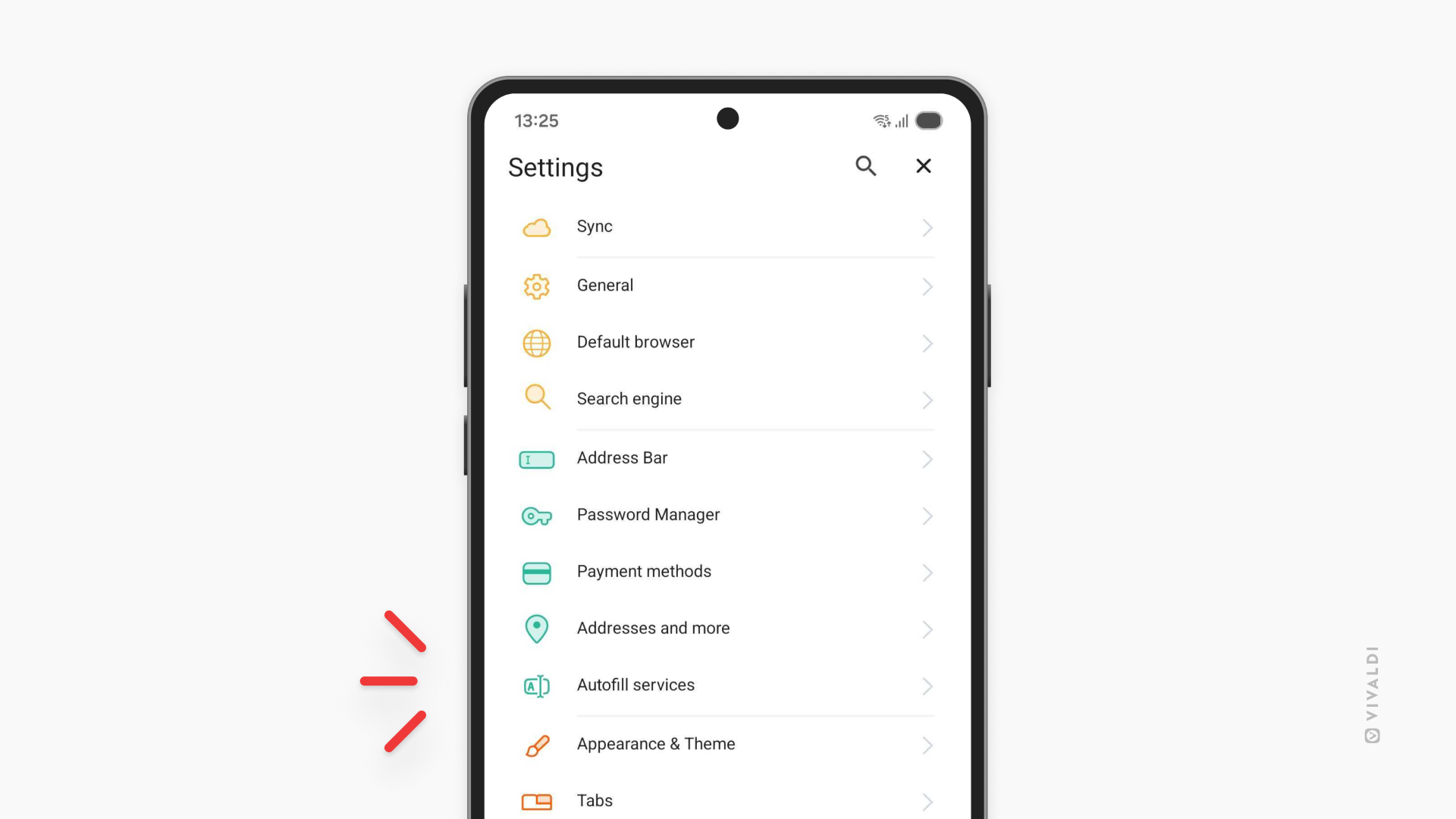
Automatically fill login fields in Vivaldi on Android with the password manager of your choice.
You can save your passwords in Vivaldi on Android for quick autofill assistance during login, but you can also use third-party password managers, such as Bitwarden, Proton Pass, and others. On Android, depending on which option you prefer you need to select the correct setting.
To use a third-party password manager:
- Go to Settings > Autofill services.
- Enable “Autofill using another service”
- Restart the browser.
From the Autofill services settings page, you can also find a shortcut to Android settings where you can choose your preferred autofill app.