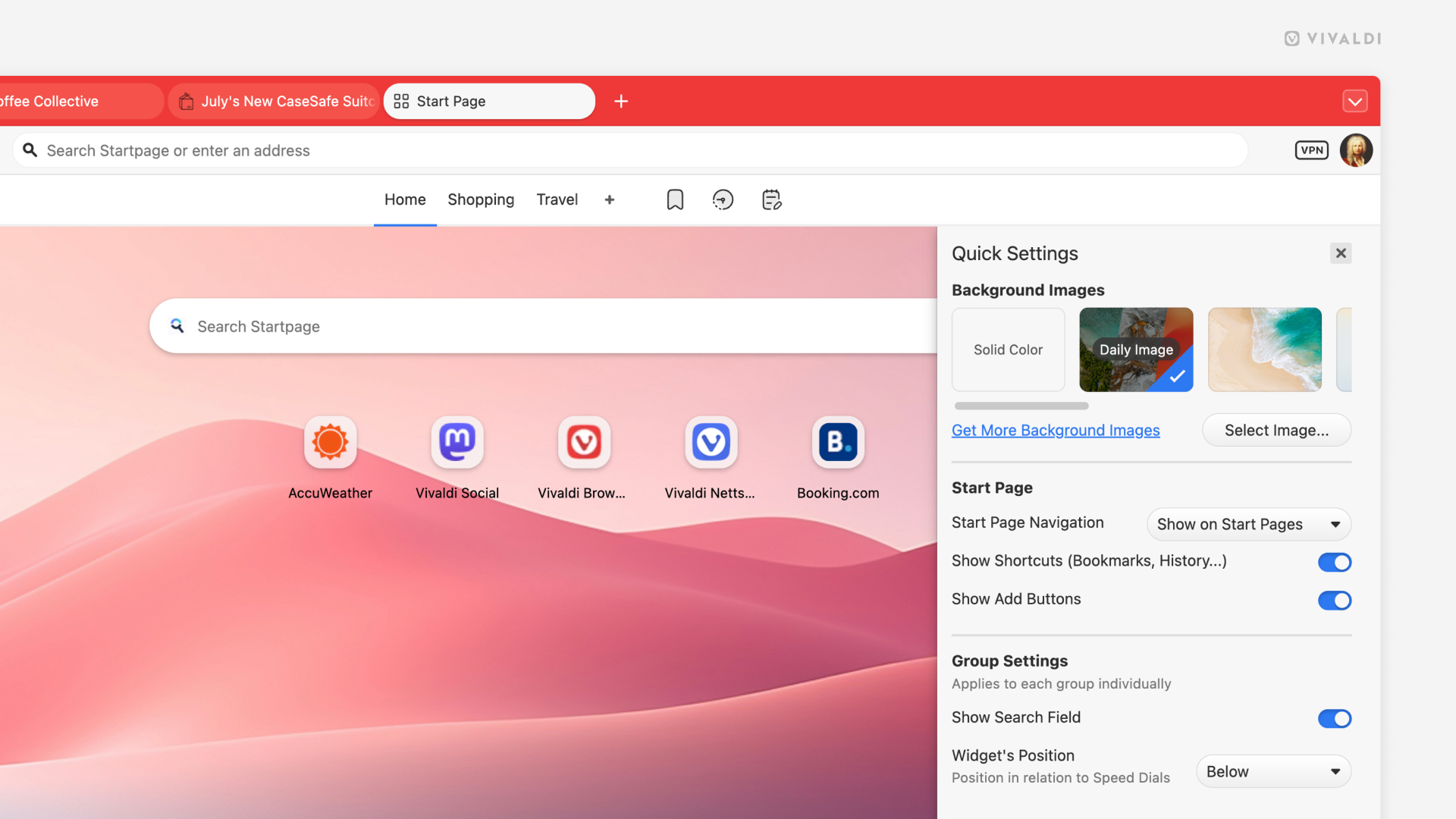
Get a new Start Page look every day with Daily Images.
When you open a new tab in Vivaldi, you likely see the Start Page with your favorite Speed Dials and Widgets. To give the Start Page some character, set a unique background for it. You can go for a solid color, select an image from the defaults, use your own image, or get a new automatically updated photo every day from Unsplash.
To enable Daily Images, either:
- Open Quick Settings from the top right corner of the Start Page and select “Daily Image” in the Background Image section.
- Go to Settings > Themes > Editor > Background and select “Daily Image”.