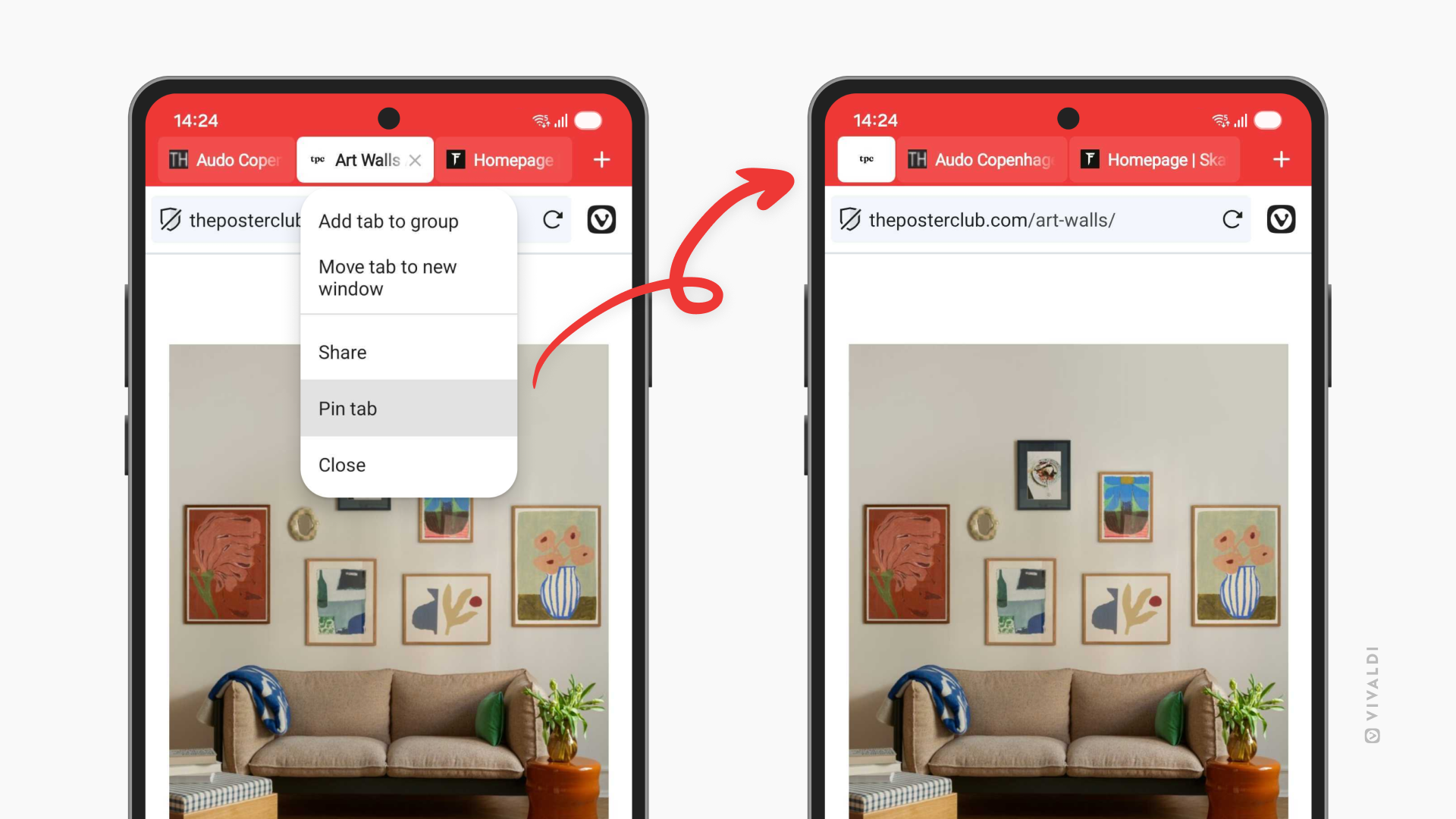
Keep the most important tabs in Vivaldi on Android within easy reach by pinning them.
Tabs can accumulate fast on mobile devices. To make sure you can always access your frequently used tabs quickly, pin them in place.
To pin a tab on the Tab Bar:
- Long-press on the tab on the Tab Bar.
- Select “Pin Tab”.
To pin a Tab in the Tab Switcher:
- Open the Tab Switcher.
- Long-press on the tab’s thumbnail.
- Select “Pin Tab”.