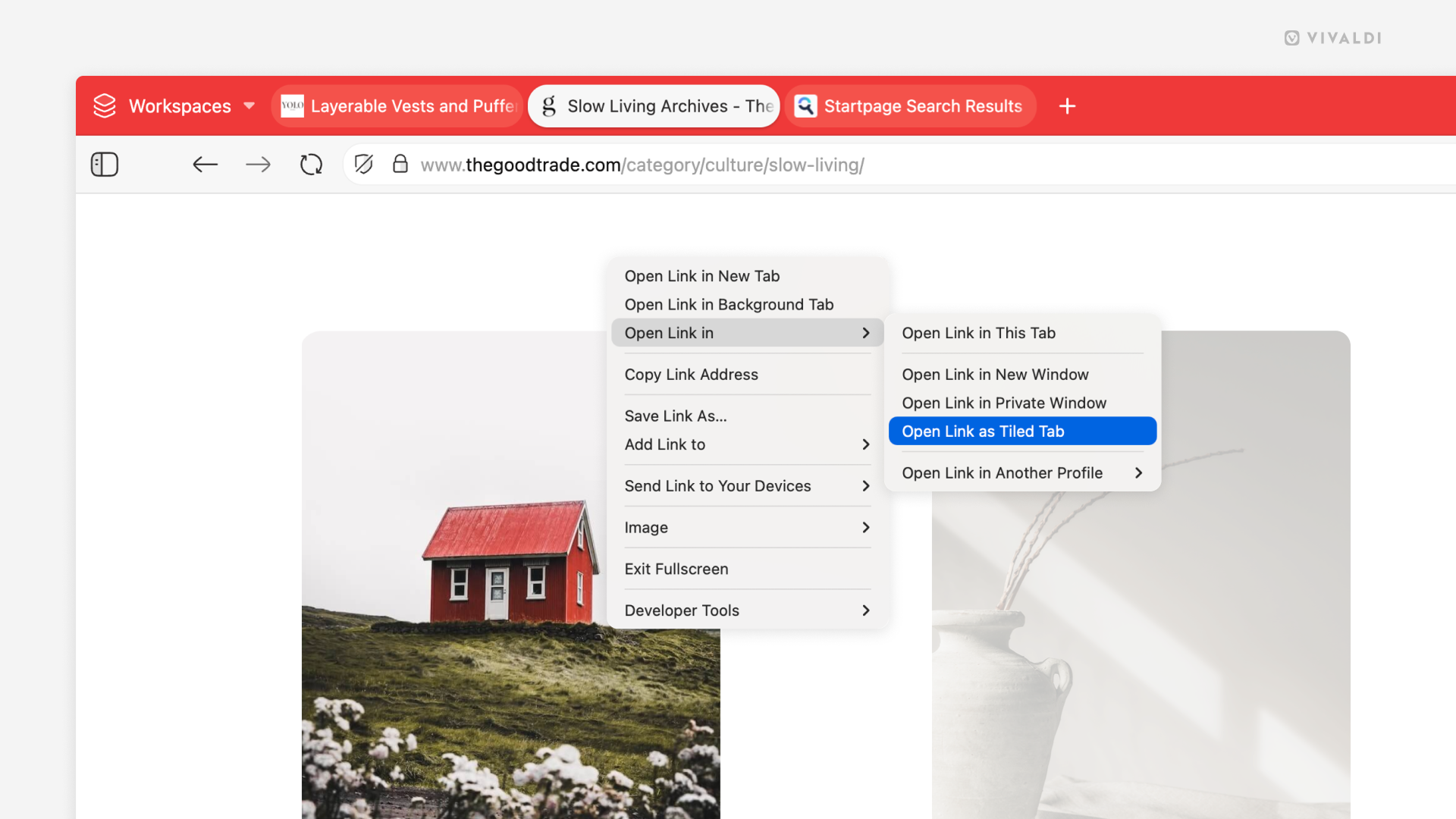
Tile a tab opened from a link with its parent tab in one move.
In a tiled view, you’ll have two or more tabs displayed simultaneously, allowing you to conveniently browse and compare content on multiple web pages at once. There are many ways to tile tabs, but if you’re about to open a link from a web page that you will be tiling with the active tab, follow the instructions below to cut this multi-step action down to just one step.
To create a tiled view from a link:
- Right-click on a link on the web page.
- Select Open Link In > Open Link as Tiled Tab.
When you do the same on an already tiled tab, the new tab will be added to the tiled view.