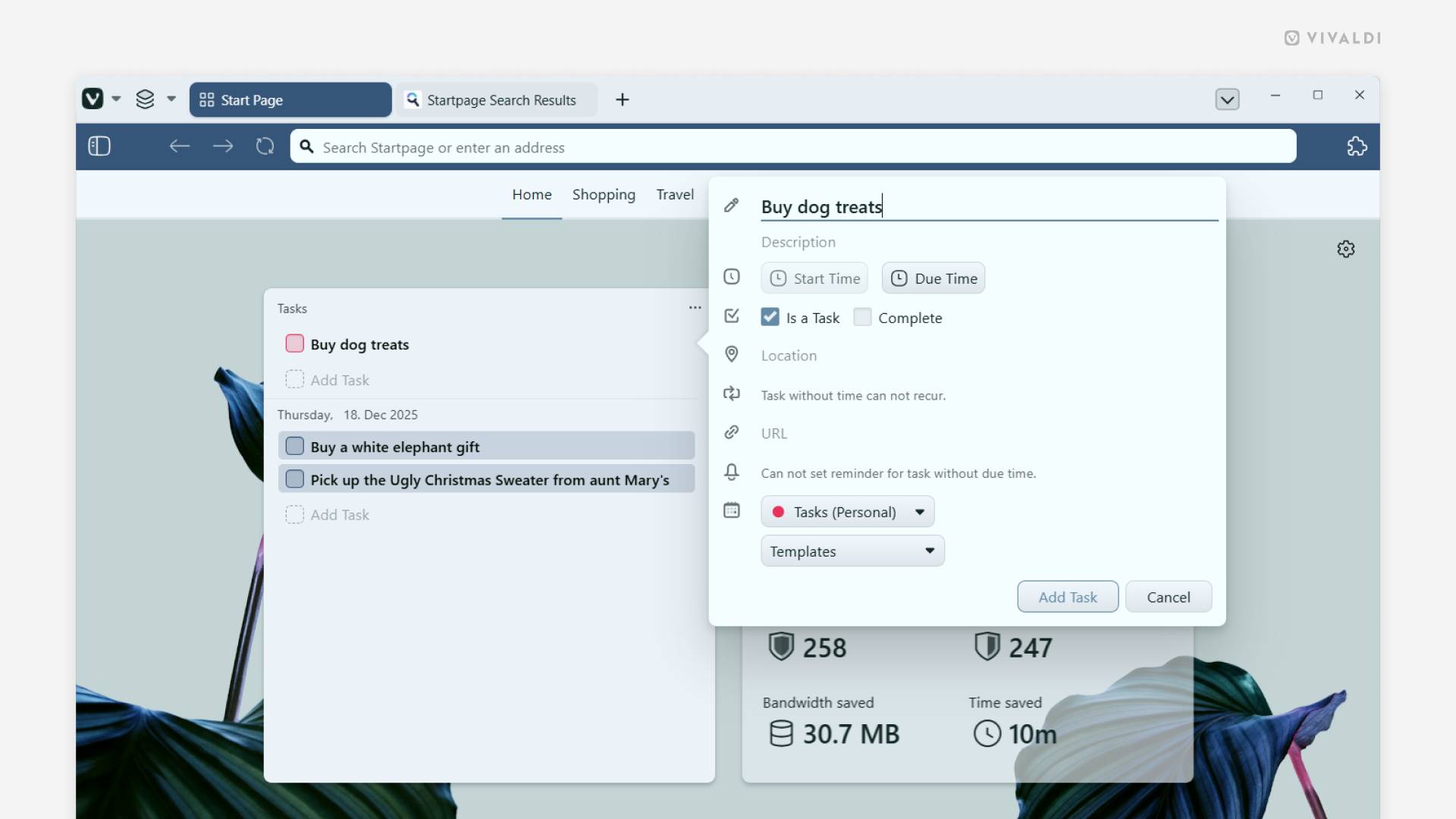
View and add tasks in the Tasks widget on the Start Page.
There are several ways you can view and add tasks to your calendar in Vivaldi. In this tip, we’re going to look at a way to do it on the Start Page.
First, to add a Tasks widget:
- Click on the “Widget” button at the bottom of the Start Page.
- Select “Tasks”.
To add a new task:
- Click on “Add Task” in the widget.
- Give the task a title, and, if needed, add a deadline and additional information.
- Click “Add Task”.
To mark tasks as done via the Tasks widget, simply click on the checkbox in front of the task’s title.