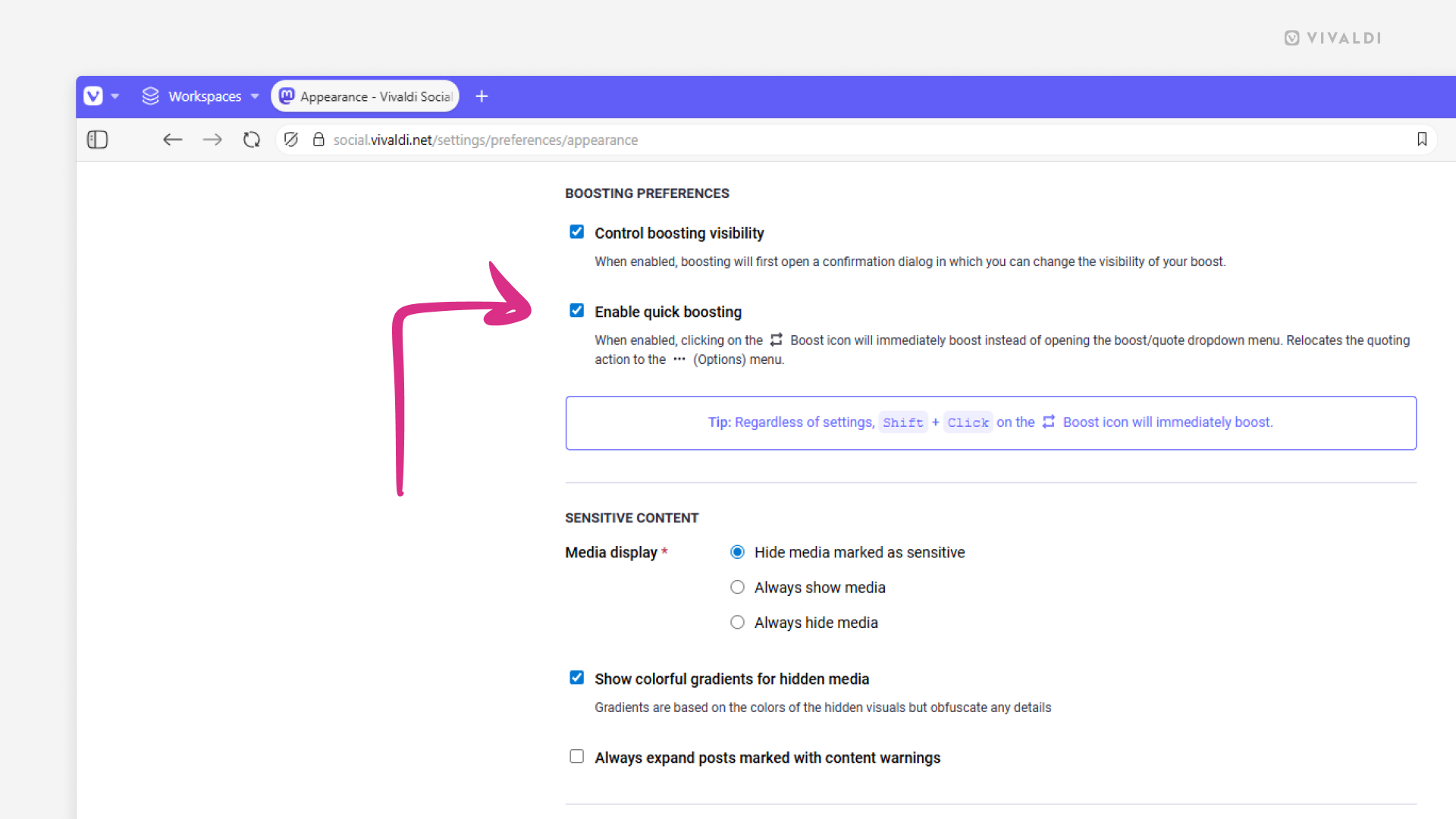
Share posts on Vivaldi Social with one click by enabling quick boosting.
When you want to share someone’s post on Vivaldi Social, clicking the Boost button will open a menu where you can select whether to share the post without any additional context, i.e. Boost, or with added commentary, i.e. Quote.
If you know that you just want to boost the post, hold down the Shift key, while clicking on the Boost button. That way you can skip the menu selection and confirmation.
When most of the time you just boost posts, you can also enable quick boosting:
- Go to Preferences > Appearance > Boosting Pereferance.
- Tick the box for “Enable quick boosting”.
To skip the confirmation dialog, which allows you to change the boost’s visibility setting, also untick the box for “Control boosting visibility”. - Click “Save changes”.