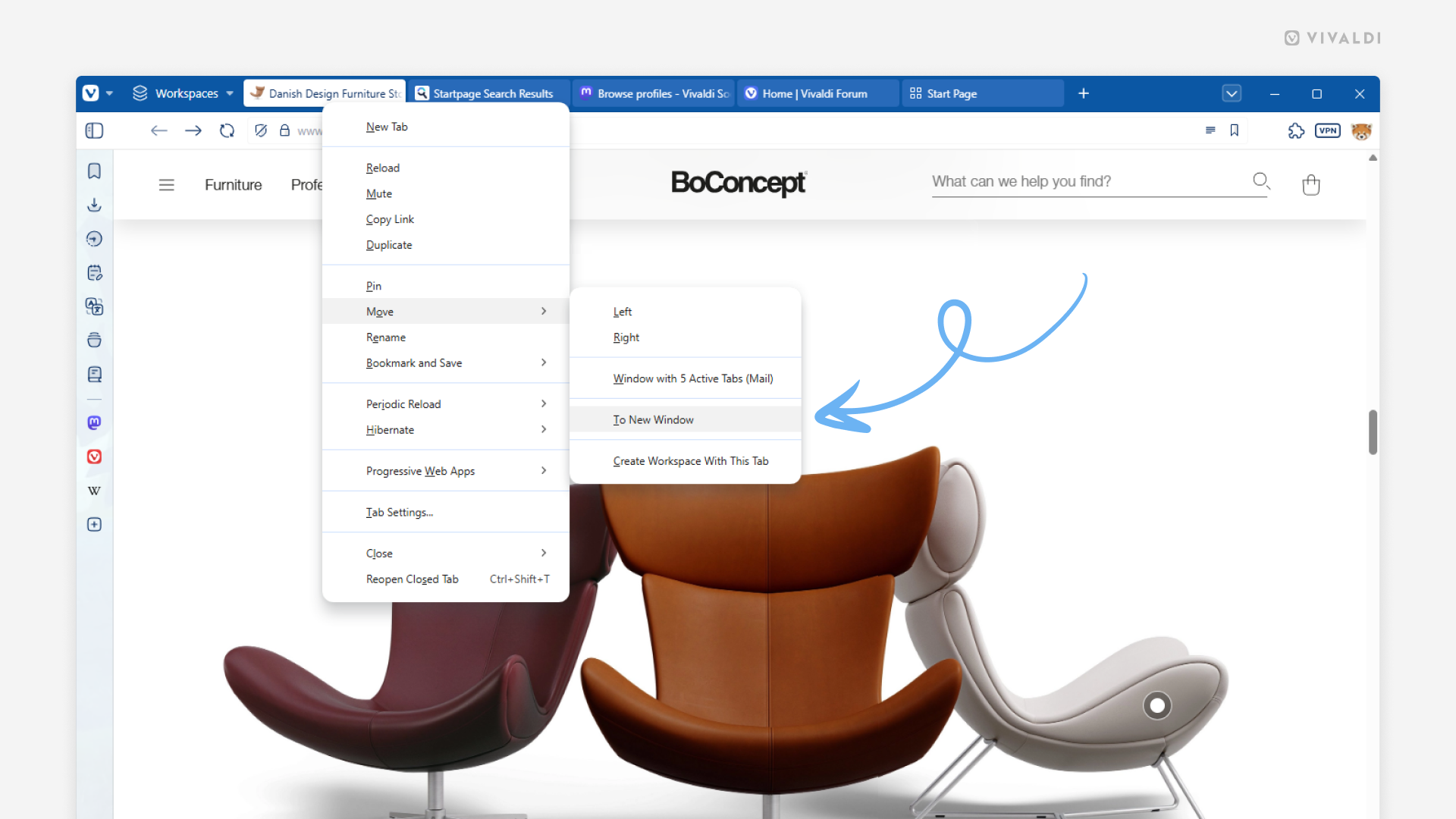
Discover all the ways you can move tabs to other windows.
We’re strong believers of the browser needing to adapt to you, not the other way around. That’s why in Vivaldi, the same action can often be executed in many different ways, so you could choose the one that works best for you.
Here are all the ways you can move a tab to a new window:
- Right-click on the tab on the Tab Bar and select Move > To New Window.
- Drag the tab off the Tab Bar, either outside the window or onto the web page area.
- While the tab you want to move is the active tab, type “Move Tab to New Window” in Quick Commands.
- Create a Keyboard Shortcut or a Mouse Gesture for the action.
And here are all the ways you can move a tab to an existing window:
- Right-click on the tab on the Tab Bar and select Move > Window with # Active Tabs.
- While two windows are side by side, drag the tab from one Tab Bar to the other.
- In the Windows and Tab Panel, drag the tab from one window section to the other.