
Known Issues
- [Auto-Hide][Windows] No window controls with tabs auto hidden (VB-122214)
- [Auto-Hide][Linux] No window controls with tabs auto hidden (VB-122215)
- [Auto-hide] Causes settings window to not have control buttons (VB-122593)
- [Auto-Hide] Vivaldi Menu offset with tabs on top (VB-122359)
Changelog
- [Chromium] Update to 142.0.7444.228 ESR (Security fixes from 143.0.7499.40/41)
- [Crash][Ad Blocker] Content blocking API cleanup (VB-122877)
- [Crash] JavaScript callback handling (VB-122297)
- [Crash][macOS] Accessing tabs after they have been hiberated: possible fix (VB-109565)
- [Mail] Incorrect sorting when switching folders (VB-122861)
- [Settings] Disabling “Allow Vertical Text Direction” leaves you stuck in vertical mode (VB-122842)
- [Tiling] Dragging active tab onto web view should tile it with a new tab (VB-122354)
- [Tiling] Dropzone label wrong when dragging tab on its own web view
- [Tiling] Prevent single tab tiled sets (VB-122667)
- [Tiling][Menus] Add “Open link tiled” context menu (VB-122775)
Download (3885.4)
- Windows 10+ 64-bit
- Windows 10+ ARM64
- macOS 12+
- Linux 64-bit: DEB | RPM | TAR [*]
- Linux ARM64: DEB | RPM | TAR [*]
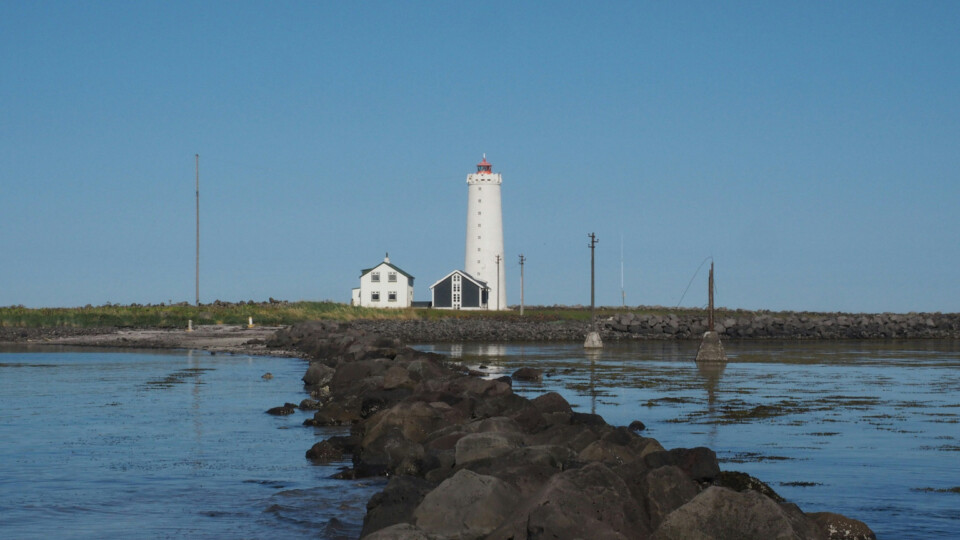
Main photo by Ruarí Ødegaard of Haakon Rølmann.
Enable Automatic Crash Logging
Vivaldi can automatically send crash reports to help us improve stability. This feature is disabled by default, but your feedback as a Snapshot user is especially valuable.
To enable it, go to: Settings → Privacy and Security → Privacy → Crash Reporting → Allow Vivaldi to Send Automatic Crash Reports
Thank you for helping us make Vivaldi better! 🥳