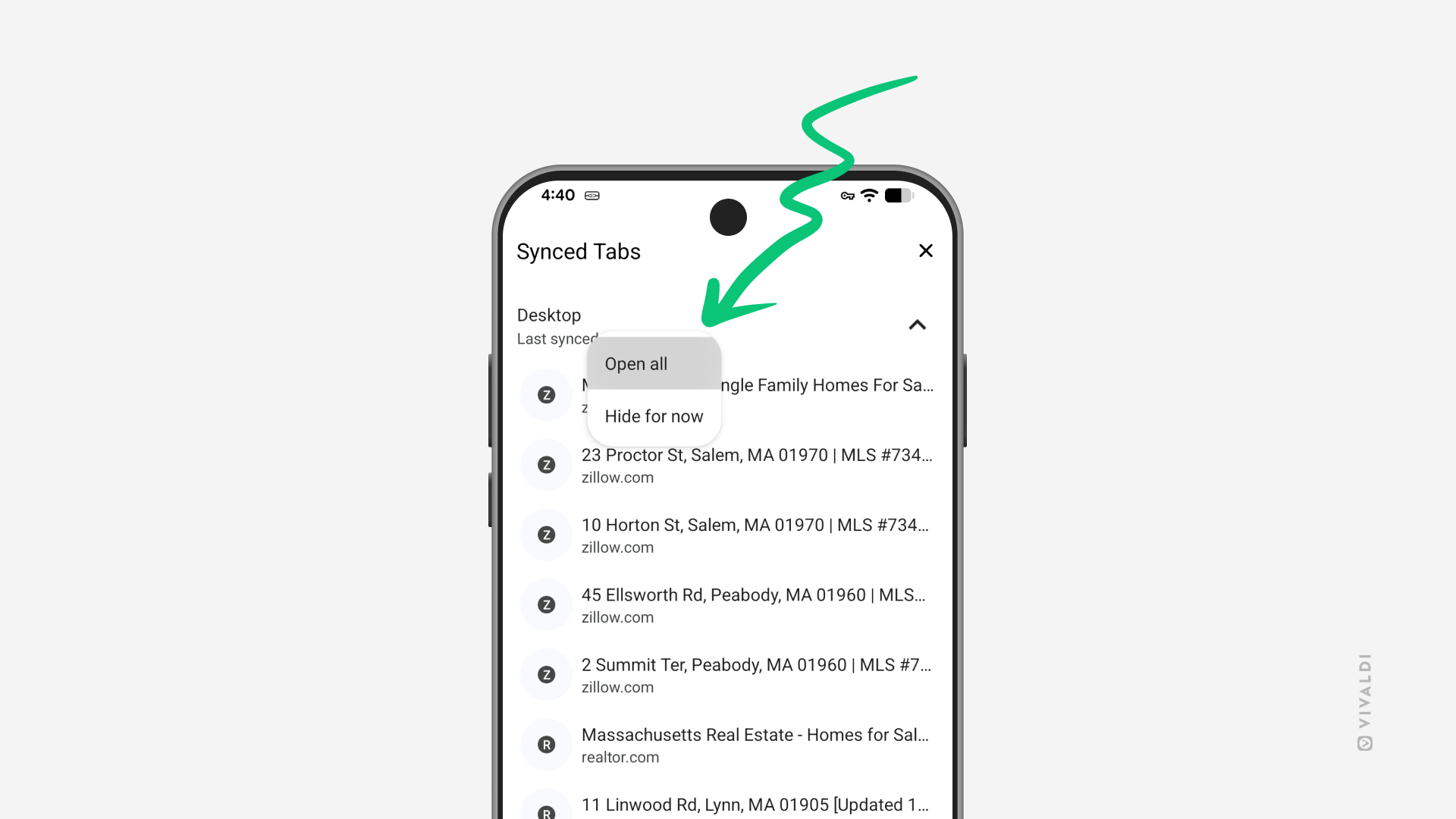
Open tabs from other devices in one go on mobile.
Piggybacking on the previous tip about opening a group of synced tabs on desktop, let’s look into how you can open all synced tabs in Vivaldi on Android and iOS.
To open synced tabs:
- Make sure you’re logged in to Sync with the same Vivaldi account on all devices, and that tab syncing is enabled.
- Go to the Tab Switcher > Synced Tabs.
- Long-press on the device you want to open synced tabs from.
- Select “Open all” from the context menu.
To open just one specific tab, simply tap on the tab entry on the list.