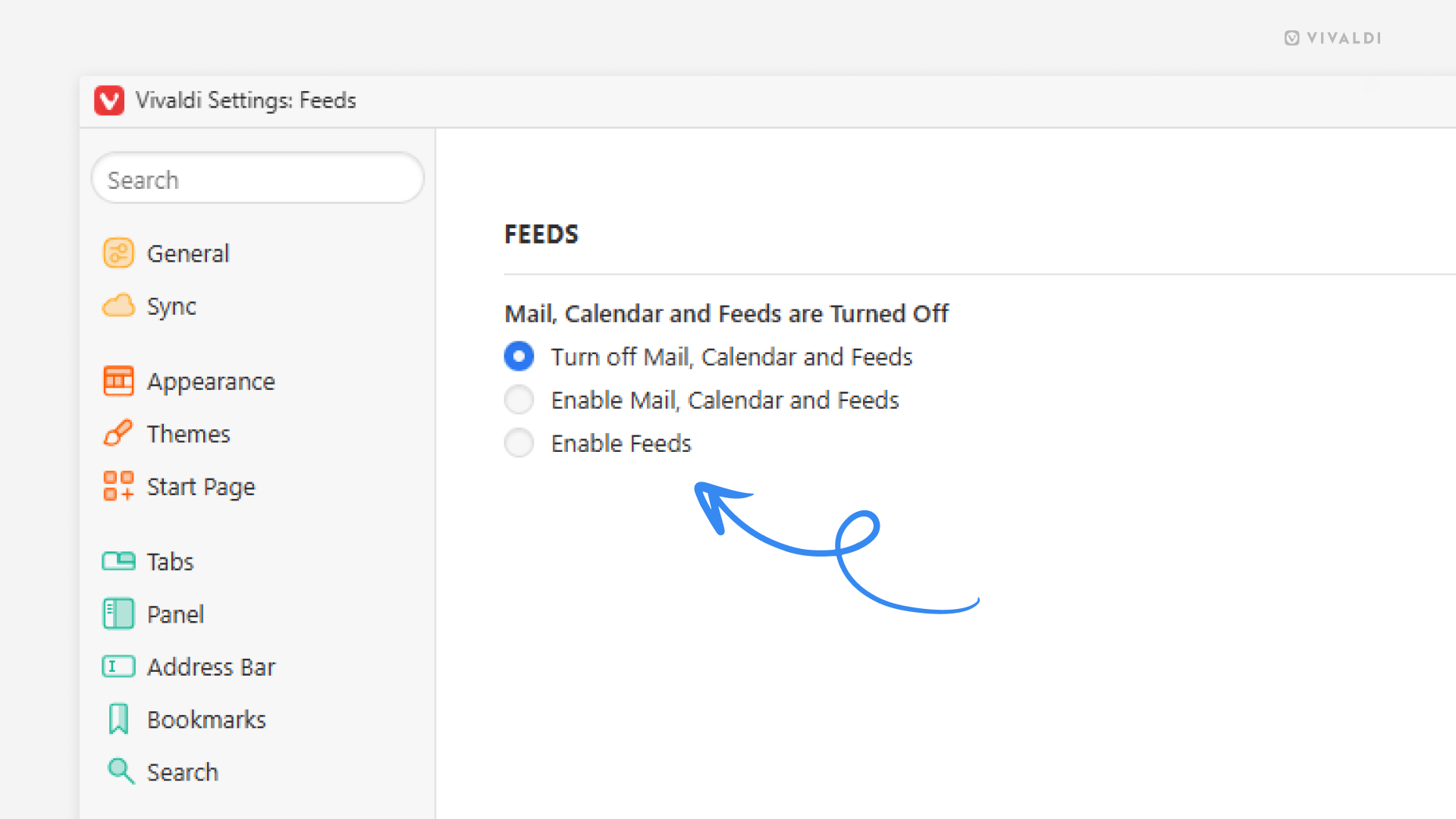
Use Vivaldi Feed Reader without enabling the mail and calendar clients.
If you’re settled with other ways than using Vivaldi Mail and Calendar to manage your emails and events, but still want to make use of the Feed Reader, you can enable only one of the clients in our productivity features trio.
To enable Feeds:
- Go to Settings > Feeds.
- Select “Enable Feeds”.