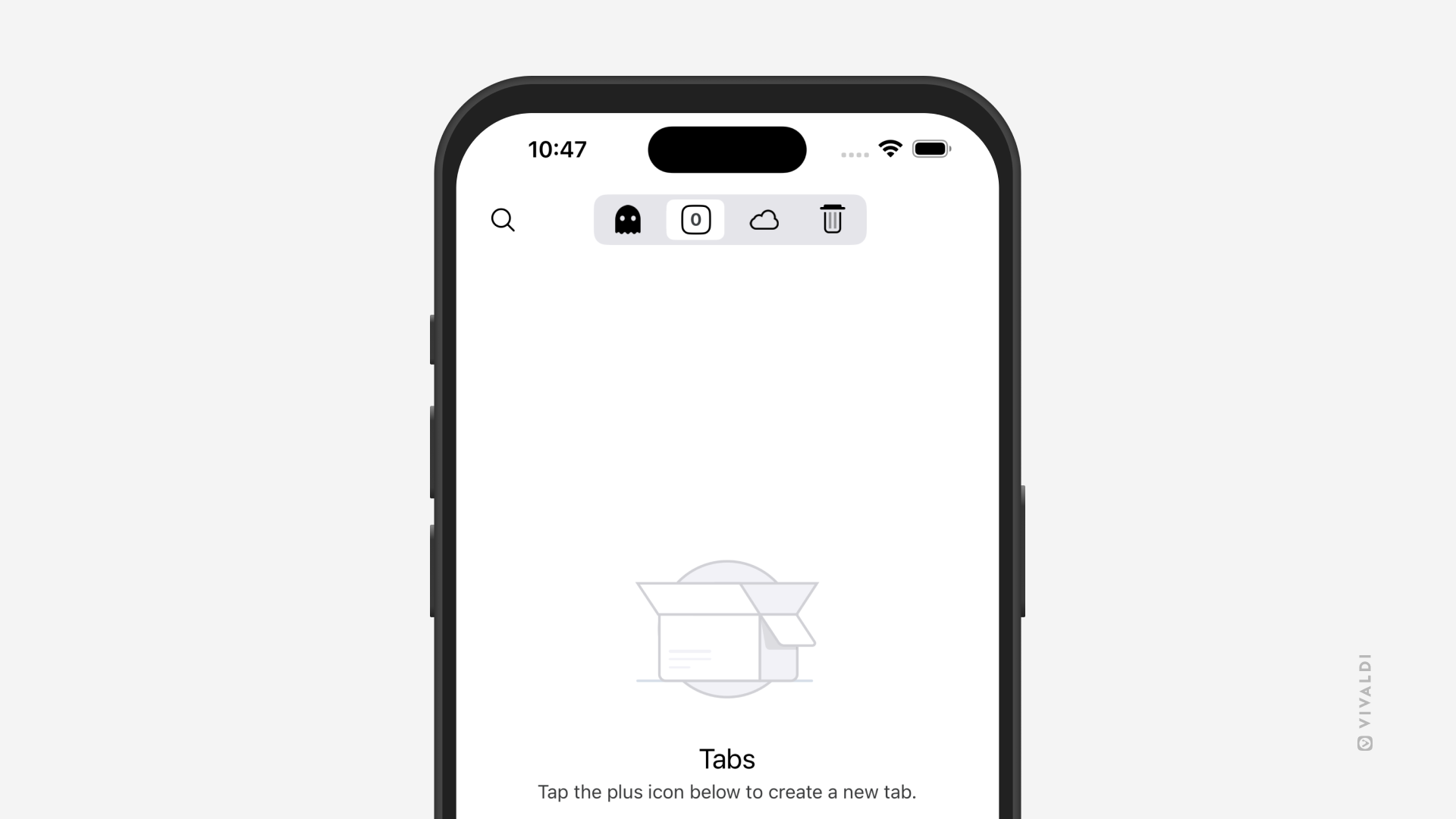
Prevent a new tab from opening after closing all tabs in Vivaldi on iOS.
After you close the last tab you had open on your iPhone or iPad, normally, a new tab with the Start Page or your preferred website opens automatically. If you’d rather not open a new tab, you can disable this feature.
To disable the opening of a new tab: