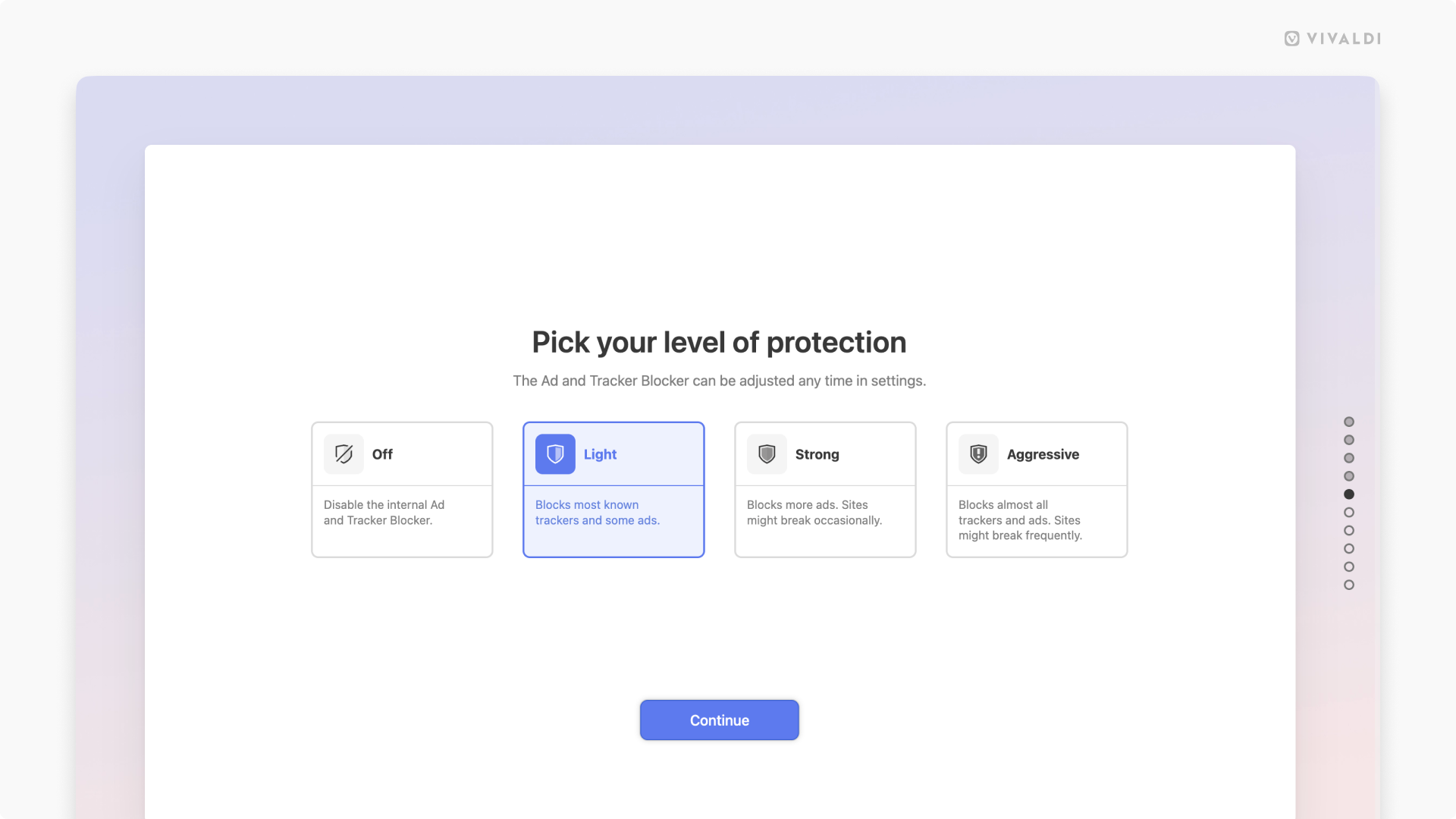
Choose your default level for blocking ads and trackers.
Vivaldi does not track your activities in the browser and on the web. In addition, it can protect your browsing experience from those who do with the built-in Ad and Tracker Blocker.
To change the default blocking level:
- Go to Settings > Privacy and Security > Ad and Tracker Blocker.
When you’ve just installed Vivaldi, you can also select the blocking level during onboarding. - Select your preferred level:
- Off – Ad and Tracker Blocker is disabled and nothing is blocked.
- Light – Most trackers and some ads are blocked. Doesn’t cause issues with websites.
- Strong – Blocks more trackers and ads than the Light level, but some sites may break.
- Aggressive – Blocks almost all trackers and ads. Some websites will not work as expected.