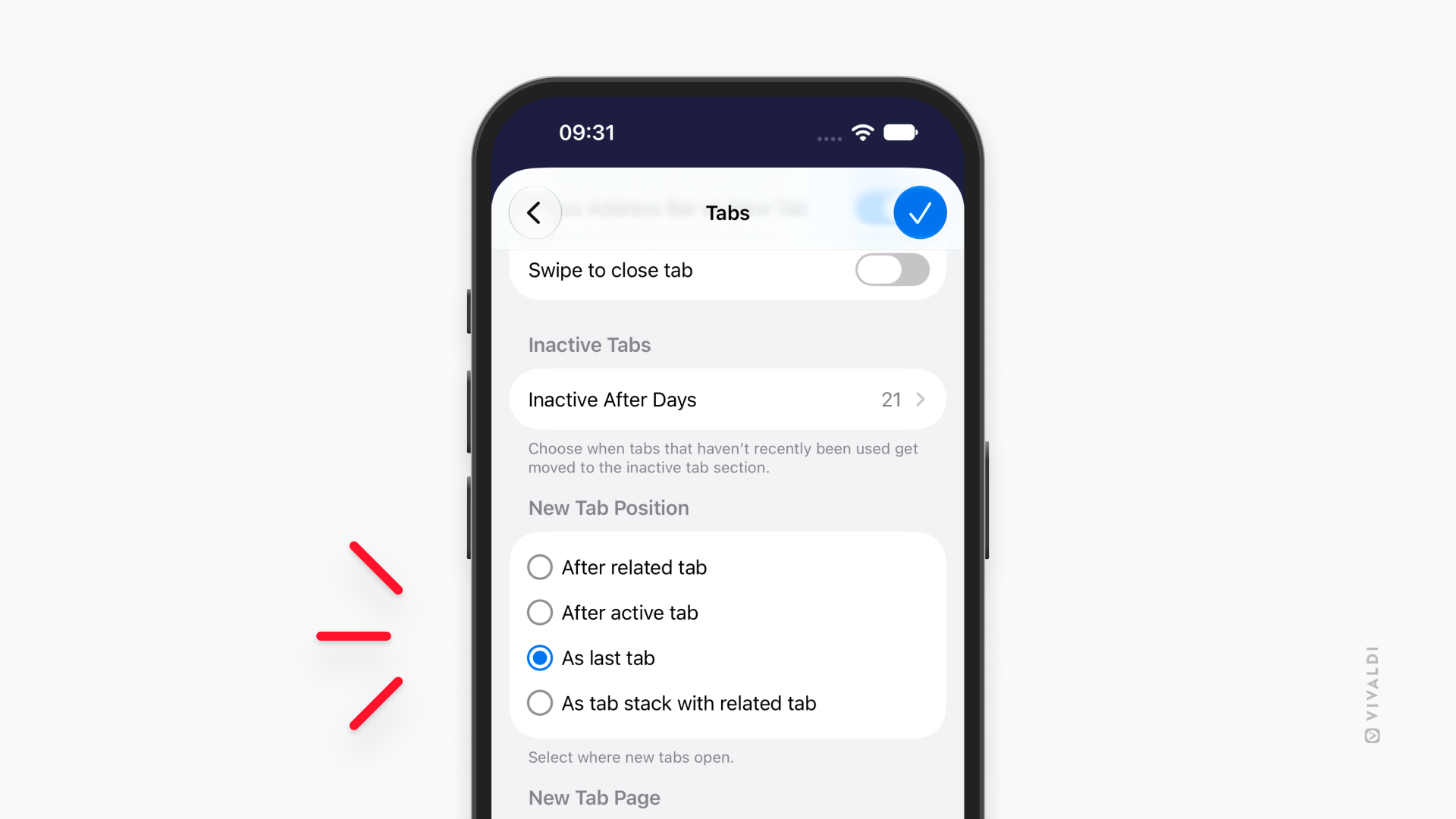
Choose where new tabs open in Vivaldi on iOS.
Just like on desktop and Android, you can change where the new tab opens on your iPhone or iPad. Simply go to Settings > Tabs > New Tab position and choose between the following options:
- After Related Tabs: The new tabs will share a “parent-child” relationship – if you open a link in your current tab, the new tab will open next to its “parent”.
- After Active Tab: Opens new tab next to the current active tab.
- As Last Tab: Opens new tab at the end of the tabs list on the Tab Bar or in the Tab Switcher.
- As Tab Stack With Related Tab: Opens a new tab stack with the active tab and the new tab.